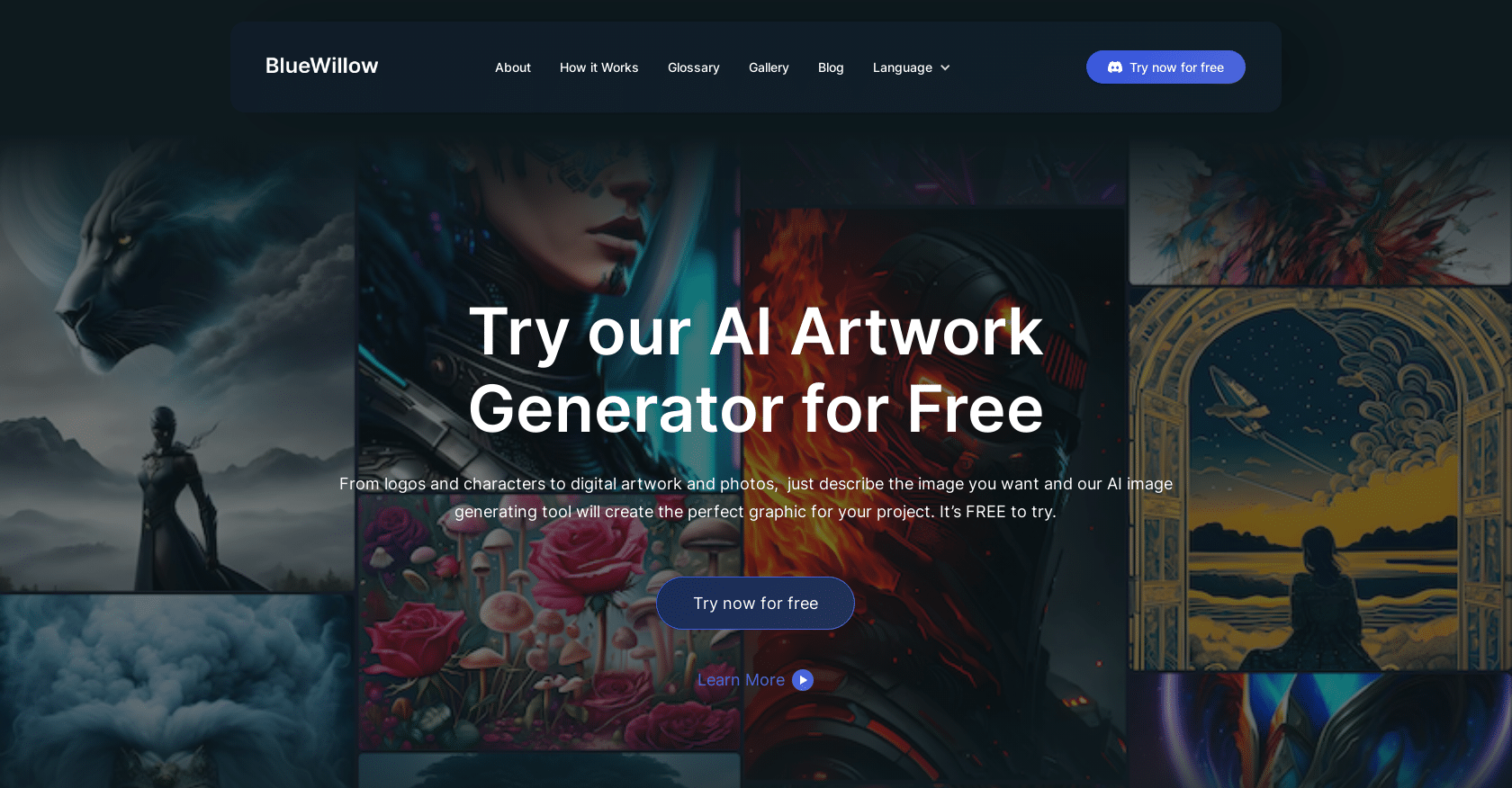
BlueWillow AI Art presents a user-friendly and accessible AI artwork generator, ideal for a wide range of creative projects. Here's a quick guide on how to use it and what it offers:
Getting Started with BlueWillow AI Art
- Free to Try: Start creating digital artwork, logos, characters, and more without any cost.
- Ease of Use: Just describe what you want, and the AI tool will create the graphic for you.
- Example Prompt: “A lion's face appearing in the blue shaded sky” to see how it works.
Simple Steps to Create AI Artwork
- Enter a Prompt: Use the provided text input to describe your desired image.
- Generate AI Artworks: The AI quickly produces a selection of images based on your prompt, which you can refine or regenerate.
- Join the Community: Connect with others on Discord for updates, news, and sharing your artwork.
Types of Artwork You Can Create
- Logos: Design unique logos for brands or projects.
- Graphics: Create various graphic designs for diverse needs.
- Photo-Realistic Images: Generate images that closely resemble real photographs.
BlueWillow AI is perfect for unleashing creativity in digital art, offering an effortless way to transform prompts into stunning AI-generated artworks.