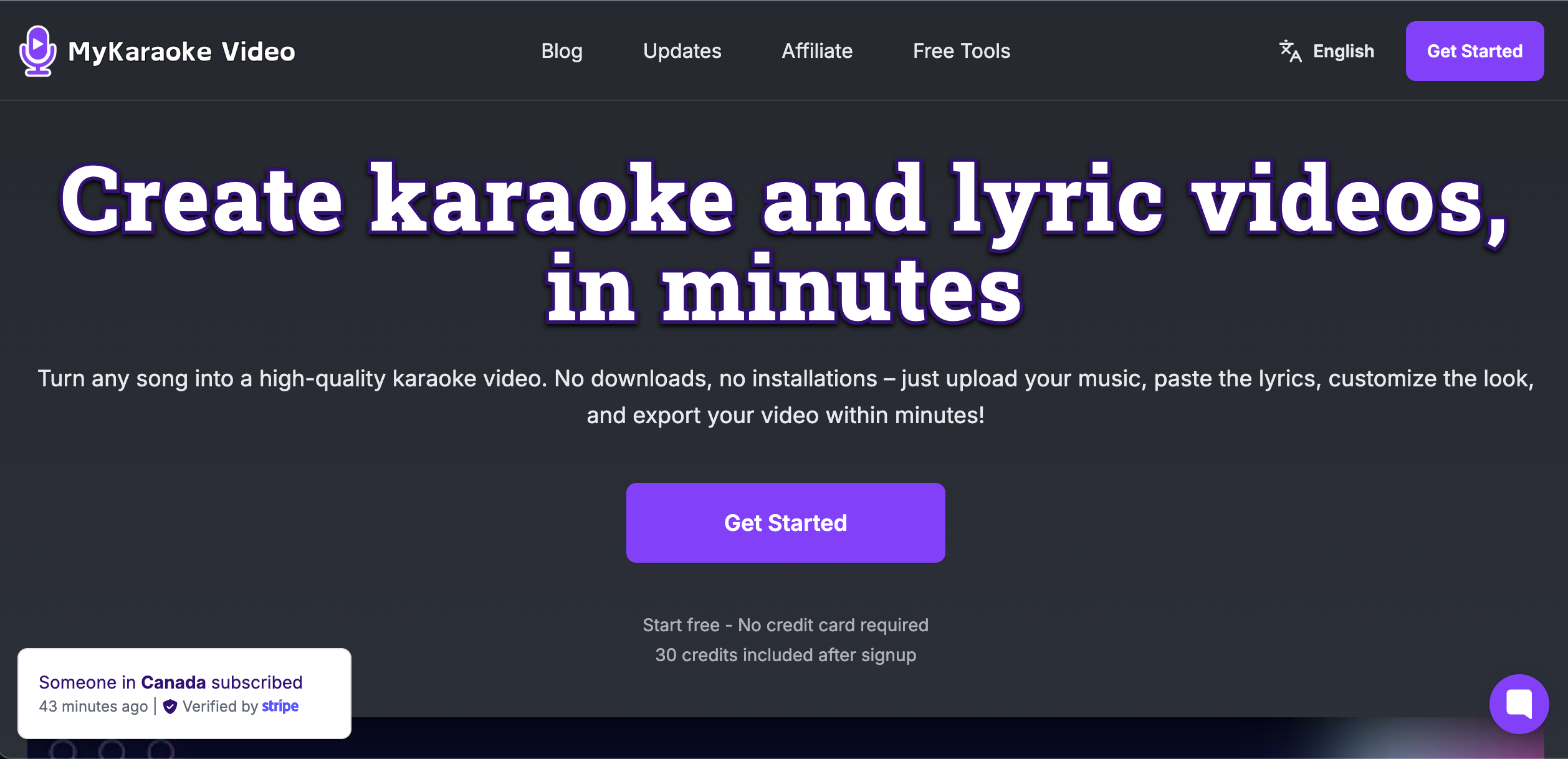
Discover MyKaraoke Video, the leading web-based platform that uses AI to create karaoke videos, remove vocals, and auto-sync lyrics in minutes. Export in crisp 1080p without installing any software.
Are you looking for a way to create karaoke videos for your favorite songs that don't have official instrumental beats? Or perhaps you are a content creator or musician wanting to produce professional lyric videos quickly? MyKaraoke Video is the breakthrough AI tool that solves all these problems in just a few minutes.
Below is a detailed review of this platform and why it is considered the best karaoke video maker of 2026.
1. What is MyKaraoke Video?
MyKaraoke Video is a fully web-based karaoke and lyric video creation tool powered by advanced Artificial Intelligence (AI). Instead of downloading heavy software, manually editing audio, or struggling to sync every single word with the music, this platform allows you to do it all with just a few clicks.
Simply upload your audio file and paste your lyrics (or let the AI transcribe them for you). The system will automatically isolate the vocals (create an instrumental track) and sync the lyrics to the beat perfectly.
2. Standout Features of MyKaraoke Video
This tool offers a comprehensive ecosystem of features for any music enthusiast or creator:
-
1-Click Karaoke Maker: Just upload a song, and the AI will automatically remove the lead vocals and synchronize the lyrics in under two minutes.
-
Professional Lyric Video Maker: Want to create eye-catching scrolling lyric videos? MyKaraoke perfectly syncs text to music, making it ideal for musicians and YouTube/TikTok creators.
-
Auto Transcription: Don't have the lyrics on hand? No problem! The platform's AI can listen to your audio file and automatically transcribe the lyrics for you.
-
Duet Mode: Easily customize the format, color, and display style for two different vocalists. Perfect for creating karaoke videos for male/female duets.
-
Unlimited Customization: You have total freedom to change fonts (integrated with Google Fonts), text colors, background images, background videos, countdown timers, and even add audio visualizers.
-
Advanced Sync Editor: Allows you to manually tweak and adjust the timing down to the millisecond, ensuring the lyrics match the rhythm flawlessly.
3. Why Choose MyKaraoke Over Traditional Software?
In the past, creating a CD+G or MP4 karaoke video required navigating complex, outdated desktop software. MyKaraoke Video completely changes the game with these advantages:
-
No Installation Required: It operates 100% in your web browser.
-
High-Quality Output: Export crisp, Full HD 1080p videos or export with a transparent background to overlay on other software.
-
Instant Preview: See all visual changes to your video in real-time before hitting the Render button.
-
Wide Audio Format Support: Easily processes MP3, AAC, WAV, FLAC, and more.
4. Affordable and Flexible Pricing
MyKaraoke Video uses a highly accessible Credits system designed to fit any need:
-
Free Trial: Get 30 free credits upon signing up (no credit card required) to test out the video creation process.
-
Pay-as-you-go: Buy individual credits at $0.10/credit (valid for 365 days).
-
Standard Plan ($7.99/month): Includes 300 credits/month, watermark removal, and the ability to export 2 videos simultaneously.
-
Premium Plan ($14.99/month – Best Value): Includes 600 credits/month, 5 simultaneous exports, priority fast rendering, and MP3+G format support. Additionally, monthly/yearly subscribers get completely free queue exports.
5. Conclusion
Whether you are a freelance singer needing backing tracks for small live events, a creator making worship music content, or simply a karaoke lover wanting to make beats for “rare” songs not found online, MyKaraoke Video is the perfect tool for you.
The combination of smart AI, lightning-fast processing speeds, and a highly intuitive interface makes MyKaraoke Video a top-tier choice that outshines many competitors on the market.
👉 Visit MyKaraoke.video and create your first karaoke video for free today!