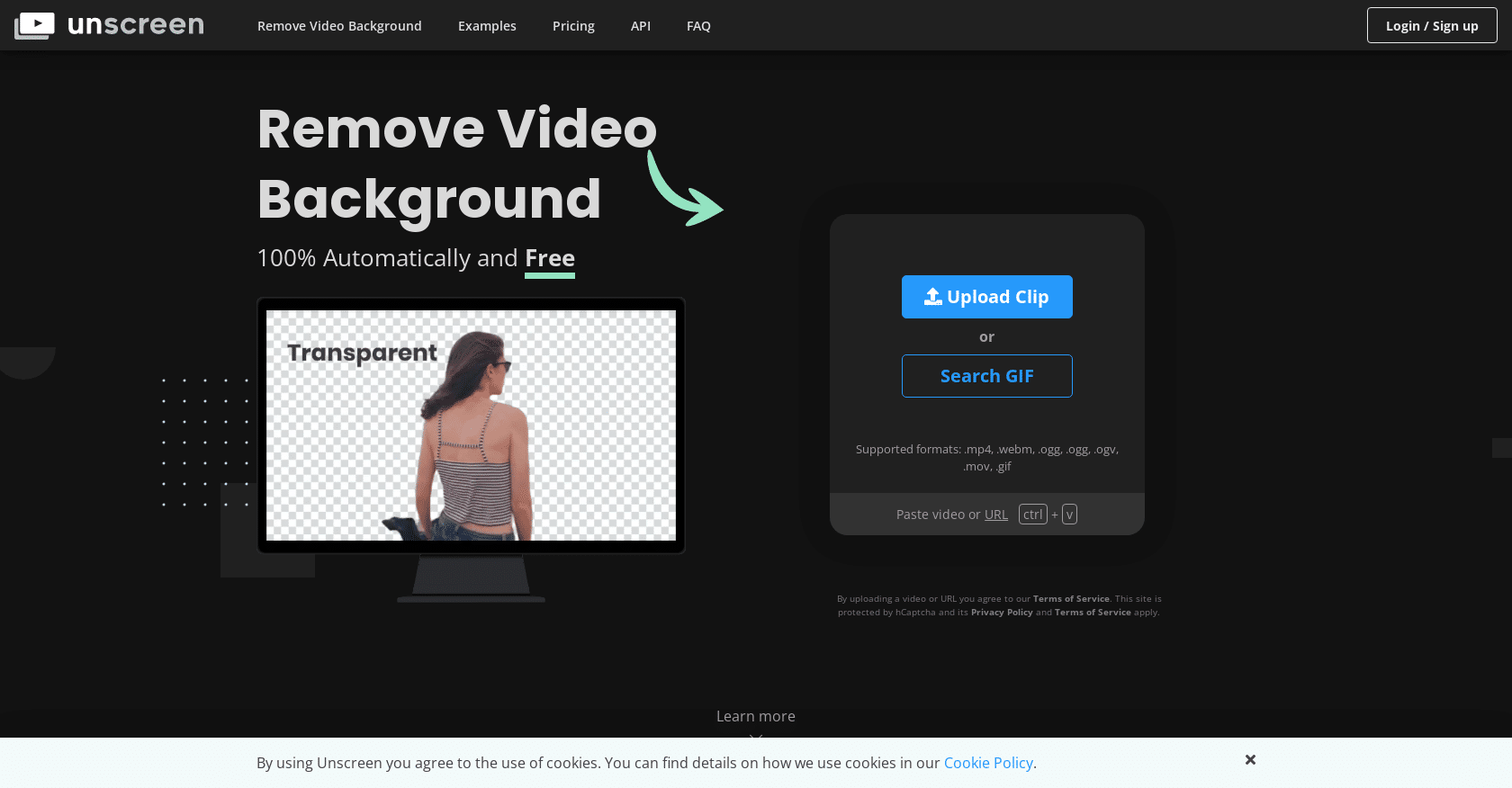
Unscreen AI is a cutting-edge tool designed for effortless video background removal, ideal for content creators and video editors. It negates the need for green screens and complex editing techniques.
Key Features
- Automatic Background Removal: Simplifies the process with 100% automation.
- Broad Format Support: Compatible with multiple video formats.
- Unscreen Pro Plugin: Integrates with Adobe Premiere Pro & After Effects.
- High-Quality Output: Ensures accurate and professional results.
Use Cases
Useful for vloggers, professional video editors, and educators to create engaging video content without the hassle of traditional background removal methods.
Unscreen AI Pricing
Subscription Plans:
- Hobby: $9.00/month for 3 minutes.
- Artist: $39.00/month for 15 minutes.
- Creator: $89.00/month for 45 minutes.
- Maker: $189.00/month for 2 hours.
- Studio: $389.00/month for 5.5 hours.
- Custom: Contact for pricing.
Pay as You Go: $4.99 per video minute, with a $2.99 minimum.
Conclusion
Unscreen is an invaluable tool for simplifying video background removal, offering high-quality results with minimal effort. It's especially beneficial for those regularly engaged in video production and editing.